Blocking vs Non-Blocking Code in Node.js
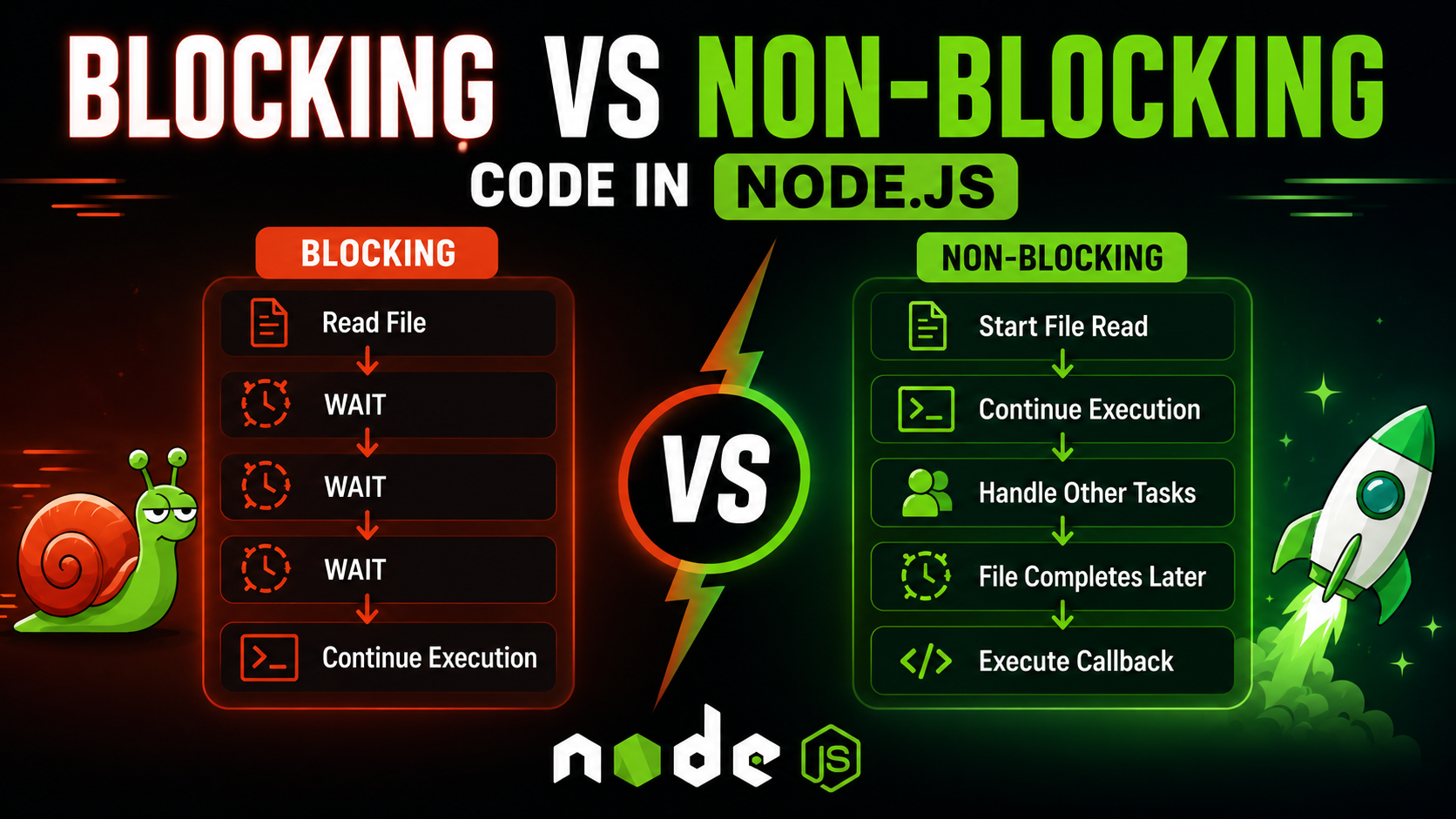
In this article we are gonna understand one of the most important concepts in Node.js which is blocking vs non-blocking code. This is also one of the major reasons Node.js became extremely popular for backend systems because most backend applications spend a huge amount of time waiting for things like databases files APIs and network requests. Understanding how Node.js handles these waiting operations explains why it performs so efficiently for scalable applications.
What blocking code means
Blocking code basically means the program stops executing further code until the current operation fully finishes. Suppose a huge file is being read from disk. If the operation is blocking then JavaScript waits there until the file completely loads before moving to the next line. For example:
const fs = require("fs");

const data = fs.readFileSync("big.txt", "utf-8");

console.log(data);

console.log("Finished");
Here:
fs.readFileSync()
is a blocking operation. The thread remains occupied until the file reading completes. Only after that:
console.log("Finished");
can execute.
Roughly the flow becomes:
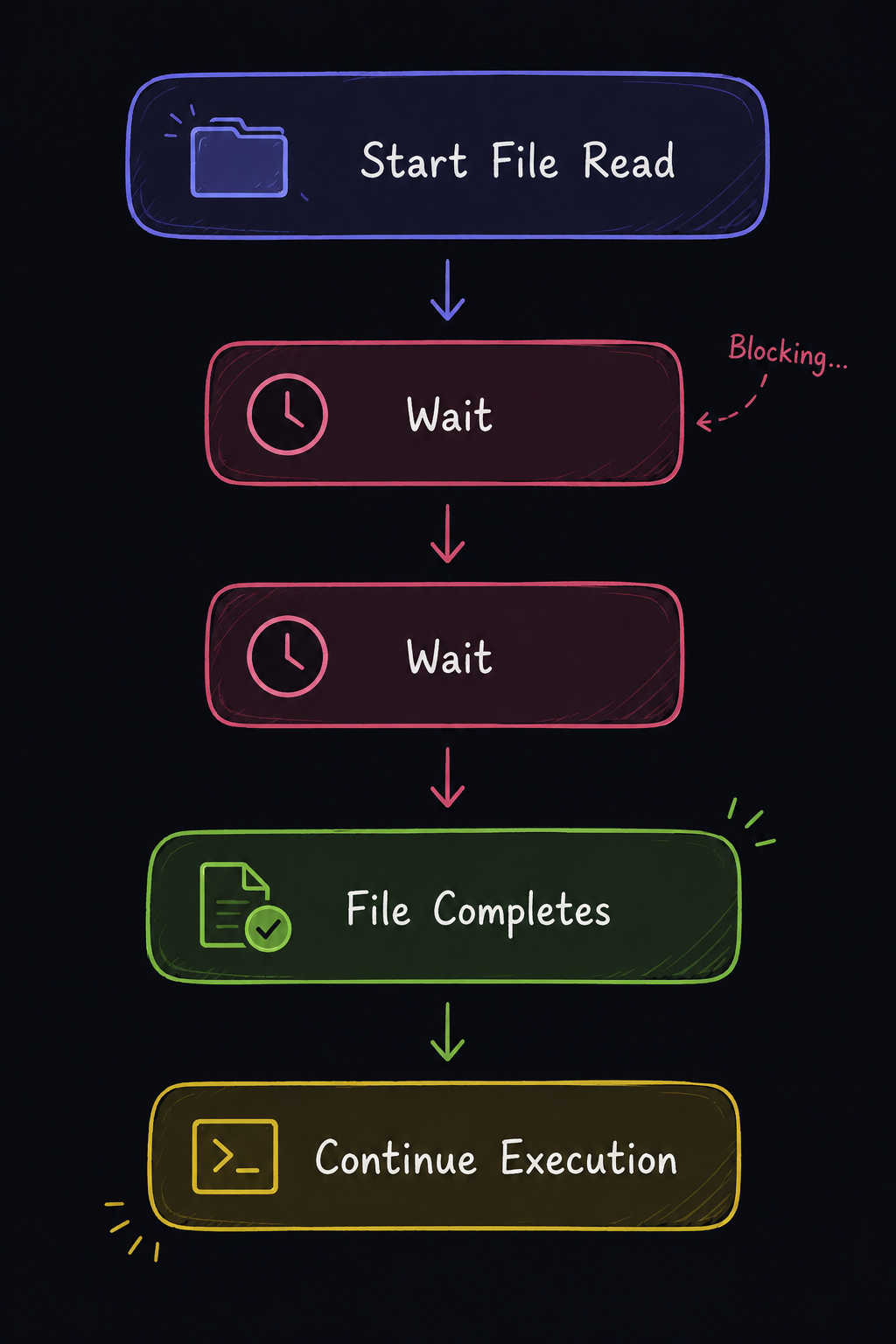
Initially this may not feel problematic but in real servers slow operations happen constantly. Large files slow databases external APIs and network requests can all delay execution heavily if everything behaves in a blocking manner.
What non-blocking code means
Non-blocking code works differently. Instead of waiting for the operation to complete Node.js starts the task and immediately continues executing remaining code. Once the operation finishes its callback executes later.
For example:
const fs = require("fs");

fs.readFile("big.txt", "utf-8", (err, data) => {
    console.log(data);
});

console.log("Finished");
Output roughly behaves like:
Finished
[file data later]
because:
fs.readFile()
does not block execution. Node.js registers the file operation and continues running the remaining code meanwhile.
The overall flow becomes:
Start File Read
       |
Continue Execution
       |
File Completes Later
       |
Run Callback
This is the core idea behind non-blocking execution.
Why blocking slows servers
Servers constantly handle multiple users together. Suppose one database query takes 5 seconds. In a blocking architecture the server may end up waiting during those entire 5 seconds before handling other users.
Conceptually:
User 1 Request
       |
Wait for DB
       |
Send Response
       |
Handle User 2
This creates serious scalability issues because every slow operation delays other incoming requests aswell.
With non-blocking execution the server behaves differently:
User 1 Request
       |
Start DB Query
       |
Handle Other Users
       |
DB Finishes Later
       |
Send Response
This becomes far more efficient because the server does not remain idle while waiting for external operations to complete.
Async operations in Node.js
Node.js heavily relies on asynchronous APIs for this exact reason. Operations like:
File reading
Database queries
API requests
Timers
Network calls
are usually handled asynchronously.
Internally the flow roughly behaves somewhat like this:
JavaScript
      |
Registers Async Task
      |
Node.js/libuv Handles Operation
      |
Event Loop Checks Completion
      |
Callback Executes Later
While the operation is being handled in the background Node.js can continue executing completely different tasks. This architecture is one of the biggest reasons Node.js performs extremely well for APIs realtime systems chats streaming platforms and applications with large amounts of waiting operations.
Real-world example using file handling
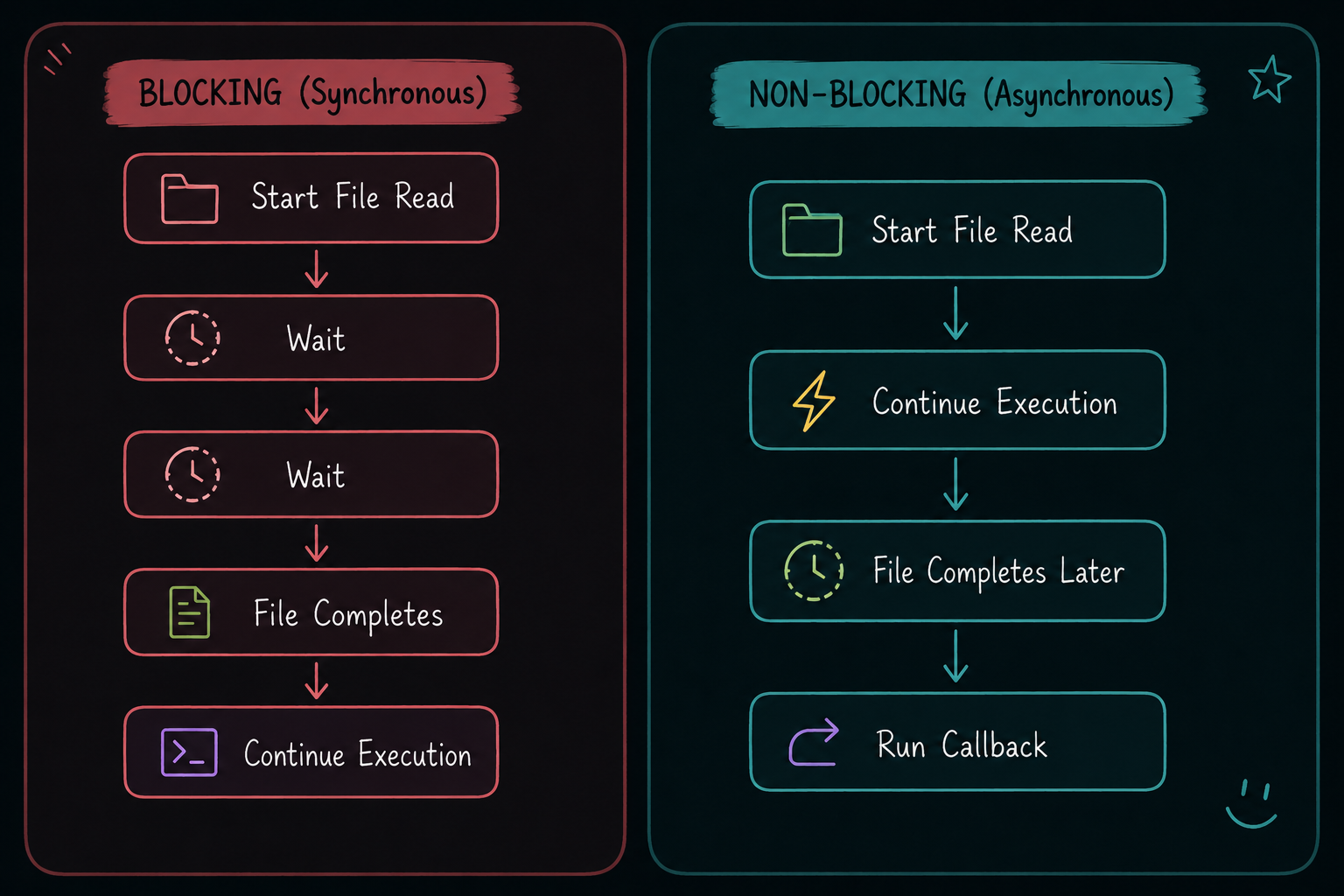
Consider these two approaches side-by-side.
Blocking File Read
const fs = require("fs");

const data = fs.readFileSync("large.txt", "utf-8");

console.log(data);

console.log("Done");
The application cannot move forward until the file fully loads.
Non-Blocking File Read
const fs = require("fs");

fs.readFile("large.txt", "utf-8", (err, data) => {
    console.log(data);
});

console.log("Done");
Execution continues meanwhile which makes the application feel much more responsive.
Database call example
Suppose fetching users from a database takes 3 seconds.
Blocking Behaviour
Request Arrives
       |
Wait 3 Seconds
       |
Send Response
       |
Handle Next User
Non-Blocking Behaviour
Request Arrives
       |
Start DB Query
       |
Handle Other Requests
       |
DB Finishes Later
       |
Send Response
At scale this difference becomes extremely important because backend systems spend a huge amount of time waiting for external operations.
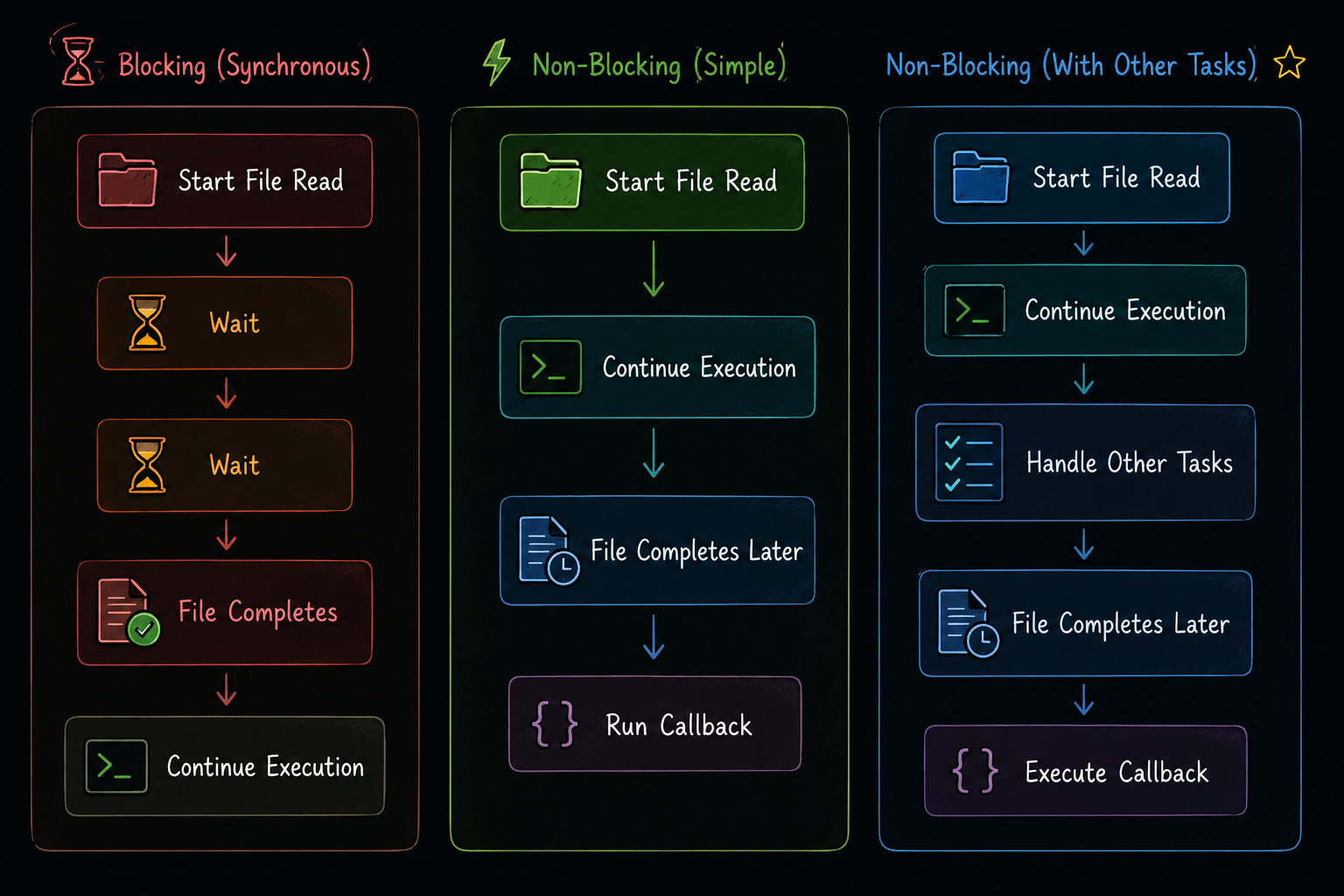
Execution timeline
Conclusion
With this we now understand what blocking and non-blocking code actually means in Node.js and why non-blocking execution became such a major advantage for backend systems. Blocking code pauses execution until operations finish while non-blocking code allows Node.js to continue handling other work meanwhile. This is one of the biggest reasons Node.js performs efficiently for APIs realtime systems streaming platforms and scalable backend applications.
I hope you enjoyed it!
Thank You.


